개요
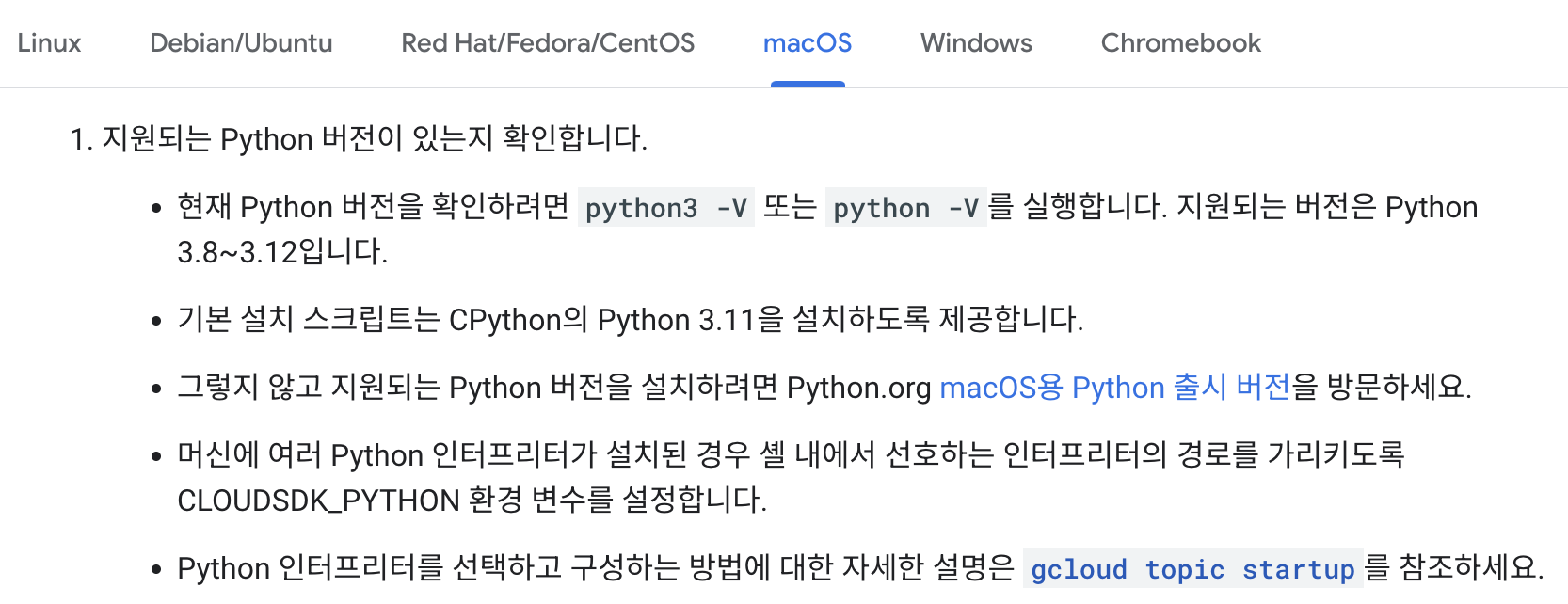
설치파일 다운로드
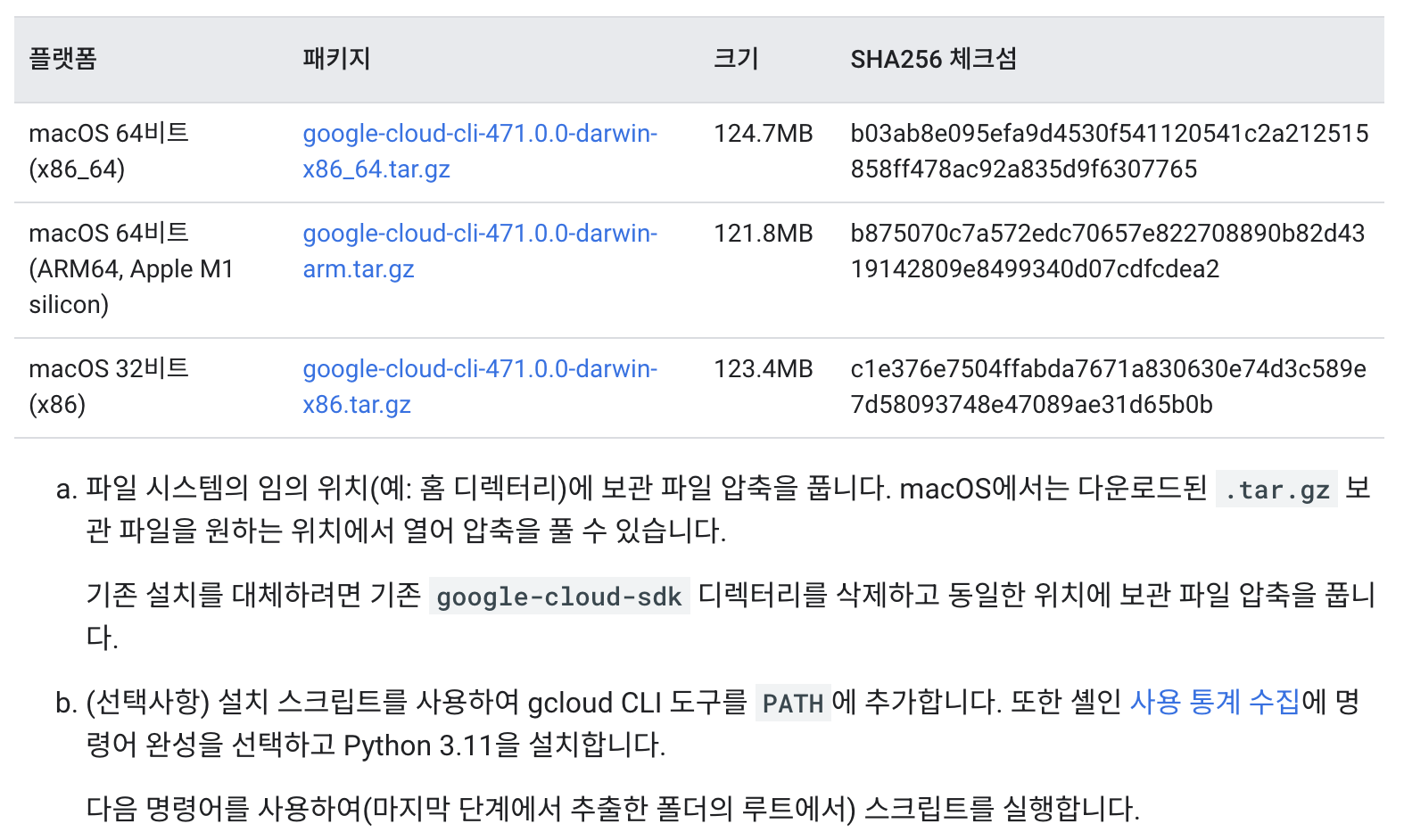
- 각 사용자 버전에 맞는 설치 파일을 다운로드 받는다.
- 필자는 M1 silicon 버전을 사용하기로 하였다.
- Desktop > gcloud_install 내부에 해당 파일을 다운로드 받았다.
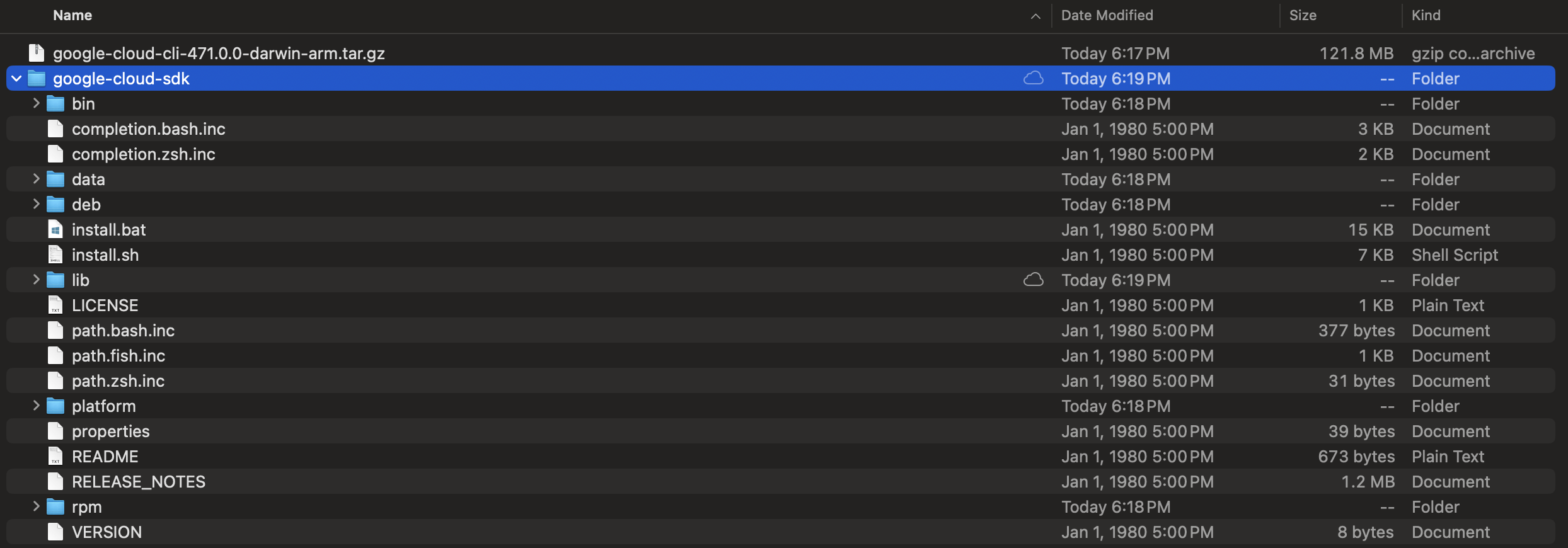
- 압축을 풀면 아래와 같이 google-cloud-sdk 폴더 안애 install.sh 파일이 있다.
설치파일 실행
- 해당 폴더에 있는 파일에 접속해서 install.sh 파일을 실행한다.
$ {your_location}/google-cloud-sdk/install.sh
Welcome to the Google Cloud CLI!

To help improve the quality of this product, we collect anonymized usage data
and anonymized stacktraces when crashes are encountered; additional information
is available at <https://cloud.google.com/sdk/usage-statistics>. This data is
handled in accordance with our privacy policy
<https://cloud.google.com/terms/cloud-privacy-notice>. You may choose to opt in this
collection now (by choosing 'Y' at the below prompt), or at any time in the
future by running the following command:

    gcloud config set disable_usage_reporting false

Do you want to help improve the Google Cloud CLI (y/N)? y

Your current Google Cloud CLI version is: 471.0.0
The latest available version is: 472.0.0

┌────────────────────────────────────────────────────────────────────────────────────────────────────────────────────┐
│                                                     Components                                                     │
├──────────────────┬──────────────────────────────────────────────────────┬──────────────────────────────┬───────────┤
│      Status      │                         Name                         │              ID              │    Size   │
├──────────────────┼──────────────────────────────────────────────────────┼──────────────────────────────┼───────────┤
│ Update Available │ BigQuery Command Line Tool                           │ bq                           │   1.7 MiB │
│ Update Available │ Google Cloud CLI Core Libraries                      │ core                         │  18.4 MiB │
│ Not Installed    │ App Engine Go Extensions                             │ app-engine-go                │   4.5 MiB │
│ Not Installed    │ Appctl                                               │ appctl                       │  18.5 MiB │
│ Not Installed    │ Artifact Registry Go Module Package Helper           │ package-go-module            │   < 1 MiB │
│ Not Installed    │ Cloud Bigtable Command Line Tool                     │ cbt                          │  16.7 MiB │
│ Not Installed    │ Cloud Bigtable Emulator                              │ bigtable                     │   7.0 MiB │
│ Not Installed    │ Cloud Datastore Emulator                             │ cloud-datastore-emulator     │  36.2 MiB │
│ Not Installed    │ Cloud Firestore Emulator                             │ cloud-firestore-emulator     │  44.8 MiB │
│ Not Installed    │ Cloud Pub/Sub Emulator                               │ pubsub-emulator              │  63.3 MiB │
│ Not Installed    │ Cloud Run Proxy                                      │ cloud-run-proxy              │  11.3 MiB │
│ Not Installed    │ Cloud SQL Proxy v2                                   │ cloud-sql-proxy              │  13.2 MiB │
│ Not Installed    │ Google Container Registry's Docker credential helper │ docker-credential-gcr        │           │
│ Not Installed    │ Kustomize                                            │ kustomize                    │   7.4 MiB │
│ Not Installed    │ Log Streaming                                        │ log-streaming                │  11.9 MiB │
│ Not Installed    │ Minikube                                             │ minikube                     │  33.6 MiB │
│ Not Installed    │ Nomos CLI                                            │ nomos                        │  28.6 MiB │
│ Not Installed    │ On-Demand Scanning API extraction helper             │ local-extract                │  13.7 MiB │
│ Not Installed    │ Skaffold                                             │ skaffold                     │  22.8 MiB │
│ Not Installed    │ Terraform Tools                                      │ terraform-tools              │  63.6 MiB │
│ Not Installed    │ anthos-auth                                          │ anthos-auth                  │  20.7 MiB │
│ Not Installed    │ config-connector                                     │ config-connector             │  55.6 MiB │
│ Not Installed    │ enterprise-certificate-proxy                         │ enterprise-certificate-proxy │   8.3 MiB │
│ Not Installed    │ gcloud Alpha Commands                                │ alpha                        │   < 1 MiB │
│ Not Installed    │ gcloud Beta Commands                                 │ beta                         │   < 1 MiB │
│ Not Installed    │ gcloud app Java Extensions                           │ app-engine-java              │ 126.2 MiB │
│ Not Installed    │ gcloud app PHP Extensions                            │ app-engine-php               │  21.9 MiB │
│ Not Installed    │ gcloud app Python Extensions                         │ app-engine-python            │   5.0 MiB │
│ Not Installed    │ gcloud app Python Extensions (Extra Libraries)       │ app-engine-python-extras     │   < 1 MiB │
│ Not Installed    │ gke-gcloud-auth-plugin                               │ gke-gcloud-auth-plugin       │   7.4 MiB │
│ Not Installed    │ kpt                                                  │ kpt                          │  14.4 MiB │
│ Not Installed    │ kubectl                                              │ kubectl                      │   < 1 MiB │
│ Not Installed    │ kubectl-oidc                                         │ kubectl-oidc                 │  20.7 MiB │
│ Not Installed    │ pkg                                                  │ pkg                          │           │
│ Installed        │ Cloud Storage Command Line Tool                      │ gsutil                       │  11.3 MiB │
│ Installed        │ Google Cloud CRC32C Hash Tool                        │ gcloud-crc32c                │   1.2 MiB │
└──────────────────┴──────────────────────────────────────────────────────┴──────────────────────────────┴───────────┘
To install or remove components at your current SDK version [471.0.0], run:
  $ gcloud components install COMPONENT_ID
  $ gcloud components remove COMPONENT_ID

To update your SDK installation to the latest version [472.0.0], run:
  $ gcloud components update

Modify profile to update your $PATH and enable shell command completion?

Do you want to continue (Y/n)?  y

The Google Cloud SDK installer will now prompt you to update an rc file to bring
 the Google Cloud CLIs into your environment.

Enter a path to an rc file to update, or leave blank to use
[/Users/evan/.bash_profile]:
Backing up [/Users/evan/.bash_profile] to [/Users/evan/.bash_profile.backup].
[/Users/evan/.bash_profile] has been updated.

==> Start a new shell for the changes to take effect.

Google Cloud CLI works best with Python 3.11 and certain modules.

Download and run Python 3.11 installer? (Y/n)?  Y
Running Python 3.11 installer, you may be prompted for sudo password...
Password: # your_password
installer: Package name is Python
installer: Upgrading at base path /
installer: The upgrade was successful.
Setting up virtual environment
Creating virtualenv...
Installing modules...
     ━━━━━━━━━━━━━━━━━━━━━━━━━━━━━━━━━━━━━━━━ 89.7/89.7 kB 4.6 MB/s eta 0:00:00
  Installing build dependencies ... done
  Getting requirements to build wheel ... done
  Preparing metadata (pyproject.toml) ... done
   ━━━━━━━━━━━━━━━━━━━━━━━━━━━━━━━━━━━━━━━━ 59.0/59.0 kB 5.9 MB/s eta 0:00:00
   ━━━━━━━━━━━━━━━━━━━━━━━━━━━━━━━━━━━━━━━━ 10.0/10.0 MB 33.9 MB/s eta 0:00:00
   ━━━━━━━━━━━━━━━━━━━━━━━━━━━━━━━━━━━━━━━━ 163.8/163.8 kB 16.1 MB/s eta 0:00:00
   ━━━━━━━━━━━━━━━━━━━━━━━━━━━━━━━━━━━━━━━━ 5.3/5.3 MB 42.0 MB/s eta 0:00:00
   ━━━━━━━━━━━━━━━━━━━━━━━━━━━━━━━━━━━━━━━━ 176.7/176.7 kB 15.4 MB/s eta 0:00:00
   ━━━━━━━━━━━━━━━━━━━━━━━━━━━━━━━━━━━━━━━━ 117.6/117.6 kB 10.4 MB/s eta 0:00:00
  Building wheel for crcmod (pyproject.toml) ... done

Updates are available for some Google Cloud CLI components.  To install them,
please run:
  $ gcloud components update

Virtual env enabled.

For more information on how to get started, please visit:
  https://cloud.google.com/sdk/docs/quickstarts
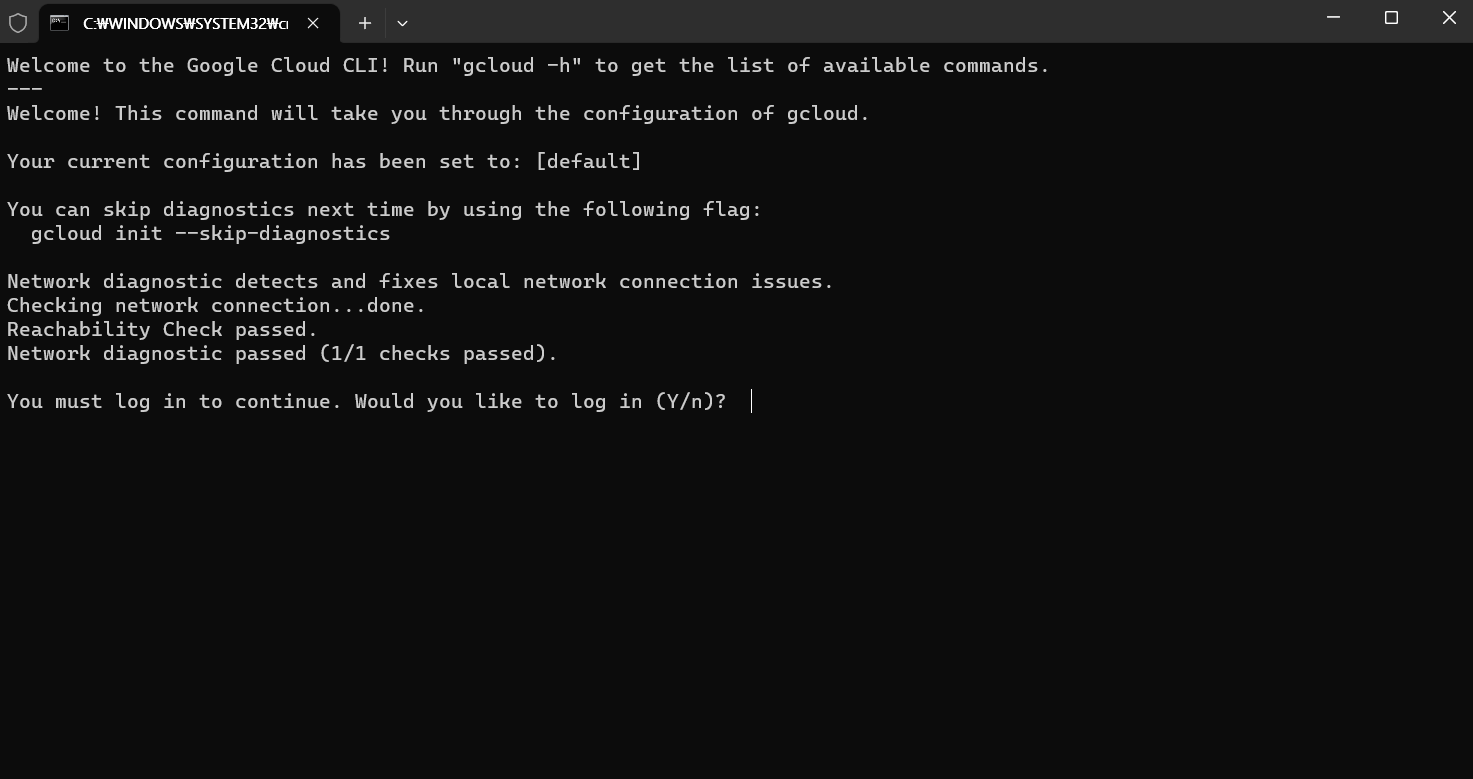
- gcloud CLI를 초기화하려면
gcloud init 을 실행한다.
$ ./google-cloud-sdk/bin/gcloud init
Welcome! This command will take you through the configuration of gcloud.

Your current configuration has been set to: [default]

You can skip diagnostics next time by using the following flag:
  gcloud init --skip-diagnostics

Network diagnostic detects and fixes local network connection issues.
Checking network connection...done.
Reachability Check passed.
Network diagnostic passed (1/1 checks passed).

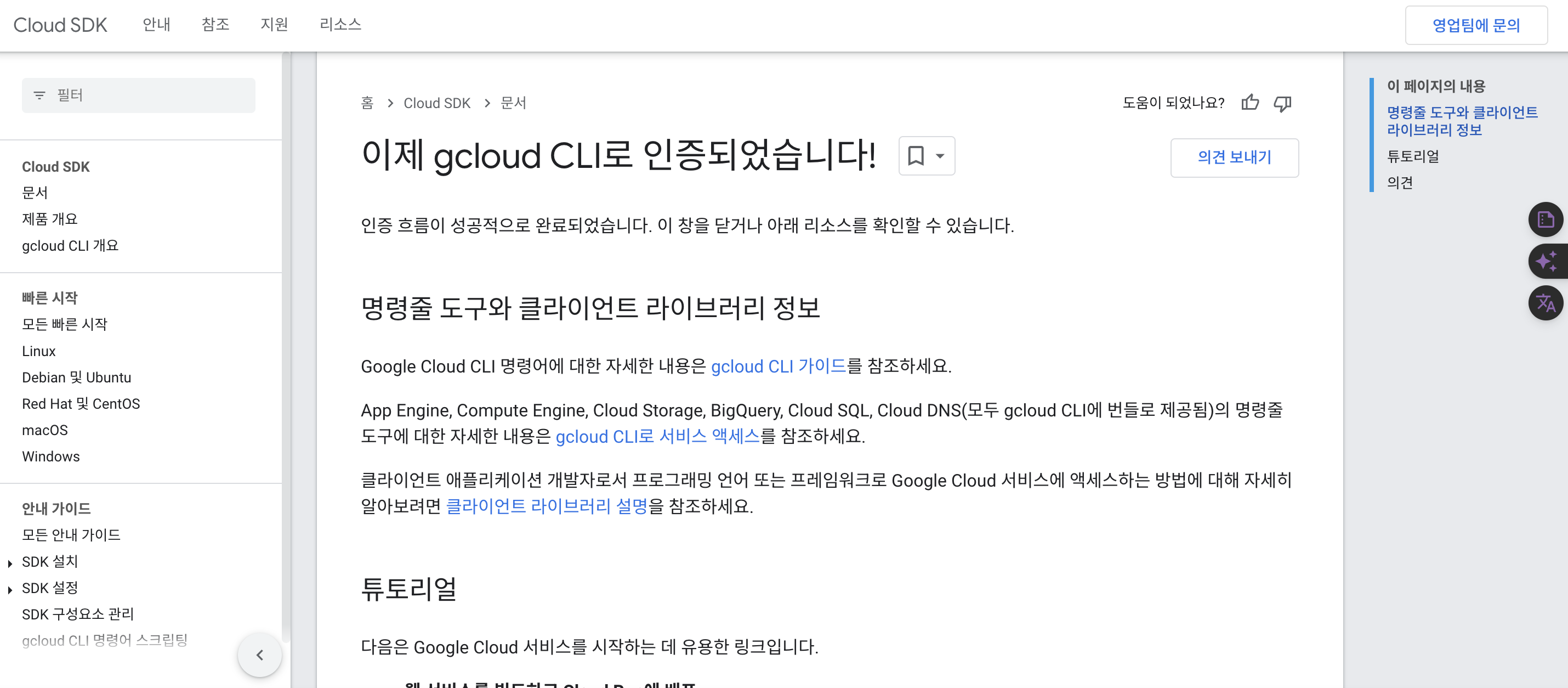
You must log in to continue. Would you like to log in (Y/n)?  Y

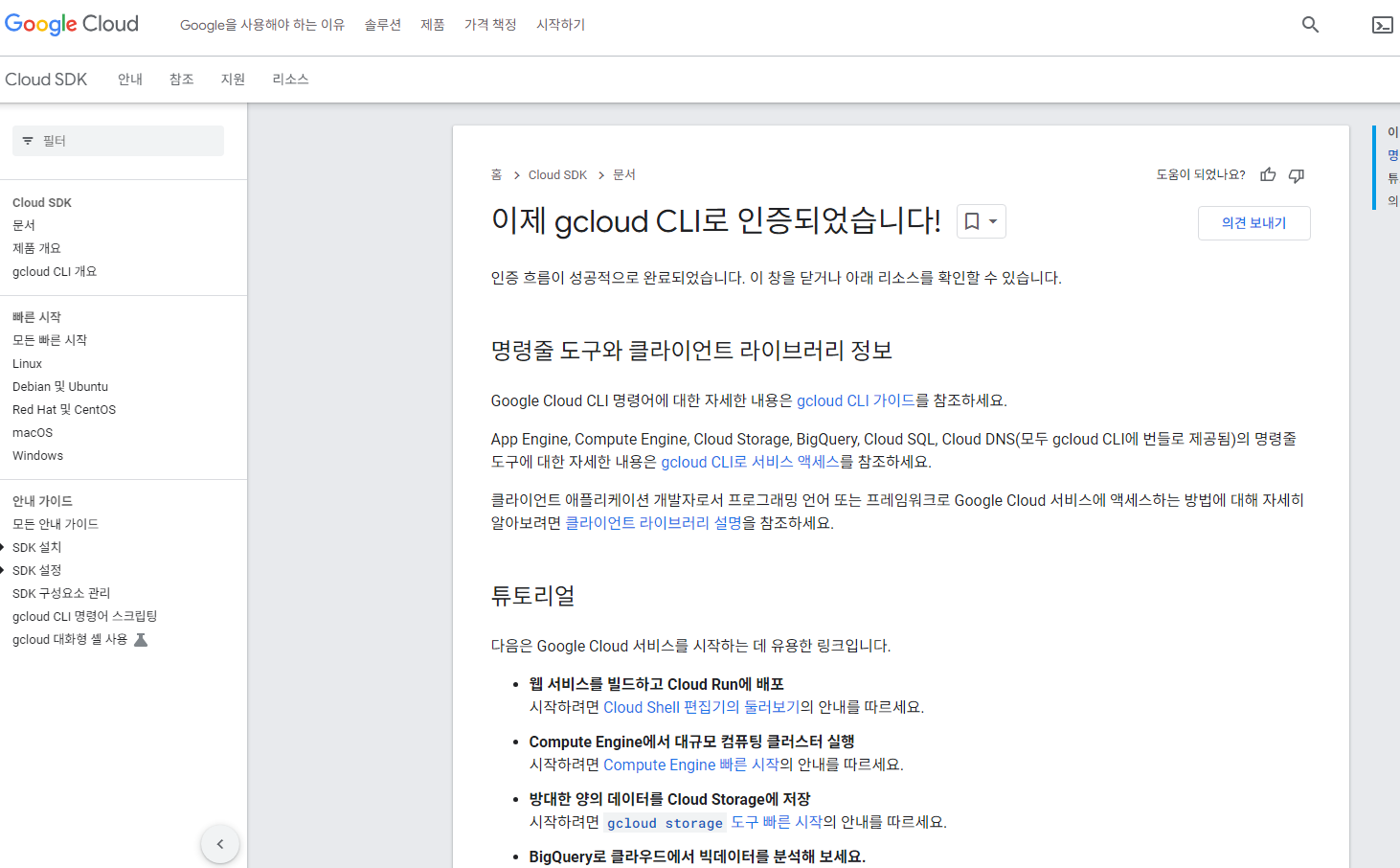
Your browser has been opened to visit:

    https://accounts.google.com/o/oauth2/....S256

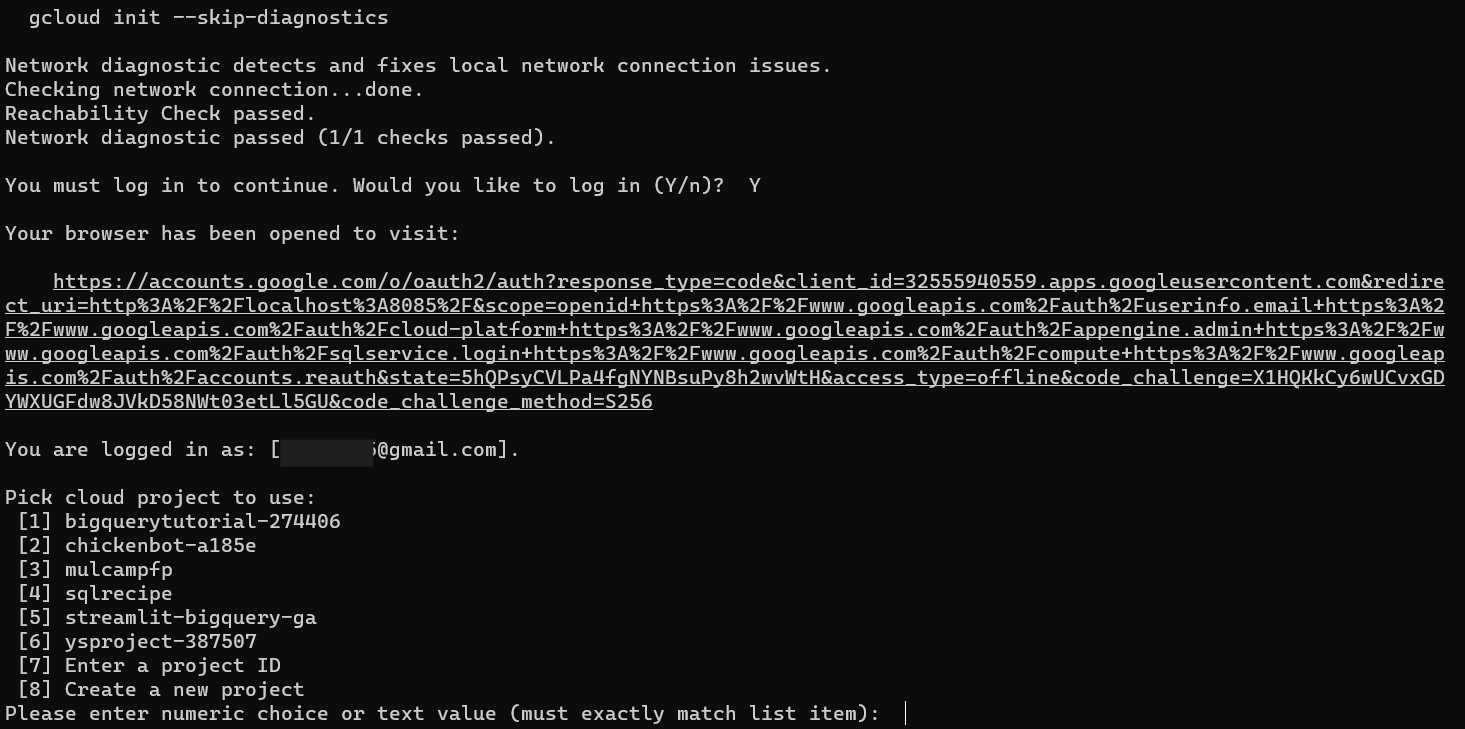
You are logged in as: [your_email@gmail.com].

Pick cloud project to use:
 [1] chickenbot-a185e
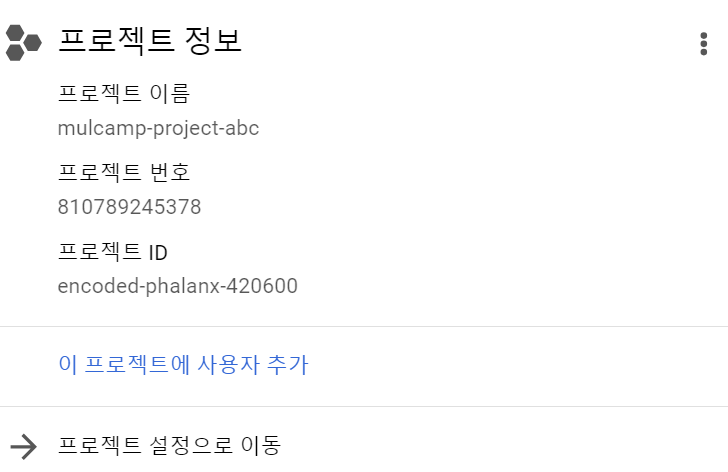
 [2] encoded-phalanx-420600
 [3] streamlit-gitaction-403105
 [4] streamlit-project-416601
 [5] Enter a project ID
 [6] Create a new project
Please enter numeric choice or text value (must exactly match list item):  2