개요
주요 라이브러리 설치
- 아래와 같이 주요 라이브러리를 설치한다.
- MySQL과 관련된 주요 Python 라이브러리를 설치한다.
pip install mysql-connector mysql-connector-python pymysql SQLAlchemy seaborn pandas
코드 작성(mysql-connector)
# 파일명 : db.py
import mysql.connector
import pandas as pd
import seaborn as sns

mydb = mysql.connector.connect(
    host = "localhost",
    user = "root",
    passwd = "evan",
    database = "muldb"
)

print(mydb)

iris_df = sns.load_dataset('iris')

my_cursor = mydb.cursor()

create_table_query  = """
   CREATE TABLE IF NOT EXISTS iris (
    id INT AUTO_INCREMENT PRIMARY KEY,
    sepal_length FLOAT,
    sepal_width FLOAT,
    petal_length FLOAT,
    petal_width FLOAT,
    species VARCHAR(255)
    );
"""

my_cursor.execute(create_table_query)

insert_query = """
    INSERT INTO iris (sepal_length, sepal_width, petal_length, petal_width, species)
    VALUES (%s, %s, %s, %s, %s)
"""

data = [tuple(x) for x in iris_df.to_numpy()]

for row in data:
    my_cursor.execute(insert_query, row)

# DB Commit
mydb.commit()

# 종료
my_cursor.close()
mydb.close()
$ python db.py
<mysql.connector.connection_cext.CMySQLConnection object at 0x0000025FFC155BD0>
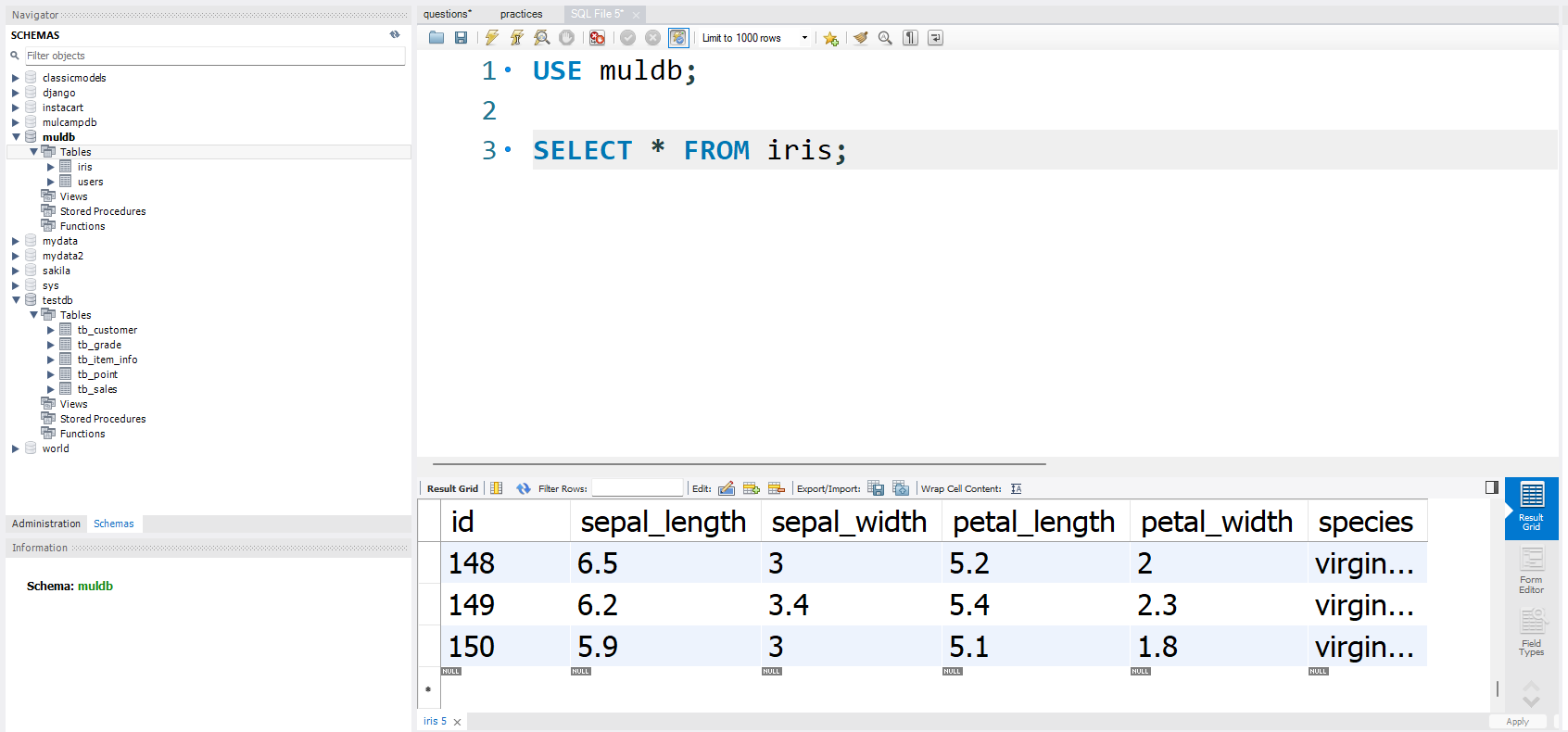
- 이번에는 MySQL Workbench에서 확인한다.